

Applicant Tracking Systems treat graphics in resumes as invisible. ATS extract raw, sequential text from documents and do not process images, icons, skill bars, or decorative elements as meaningful content. This means any information embedded in a graphic simply does not exist in the ATS record. With the majority of mid-size and enterprise employers using platforms like Workday to screen candidates, understanding how ATS handles graphics in resume submissions is the difference between getting seen and getting filtered out before a human ever reads your name.
How ATS parses resumes and why graphics cause failures
ATS software reads resumes the way a basic text editor would. It moves through a document linearly, extracting characters, words, and sentences in the order they appear. It does not render the page visually, which means it cannot interpret what a graphic represents, regardless of how clearly designed it is.
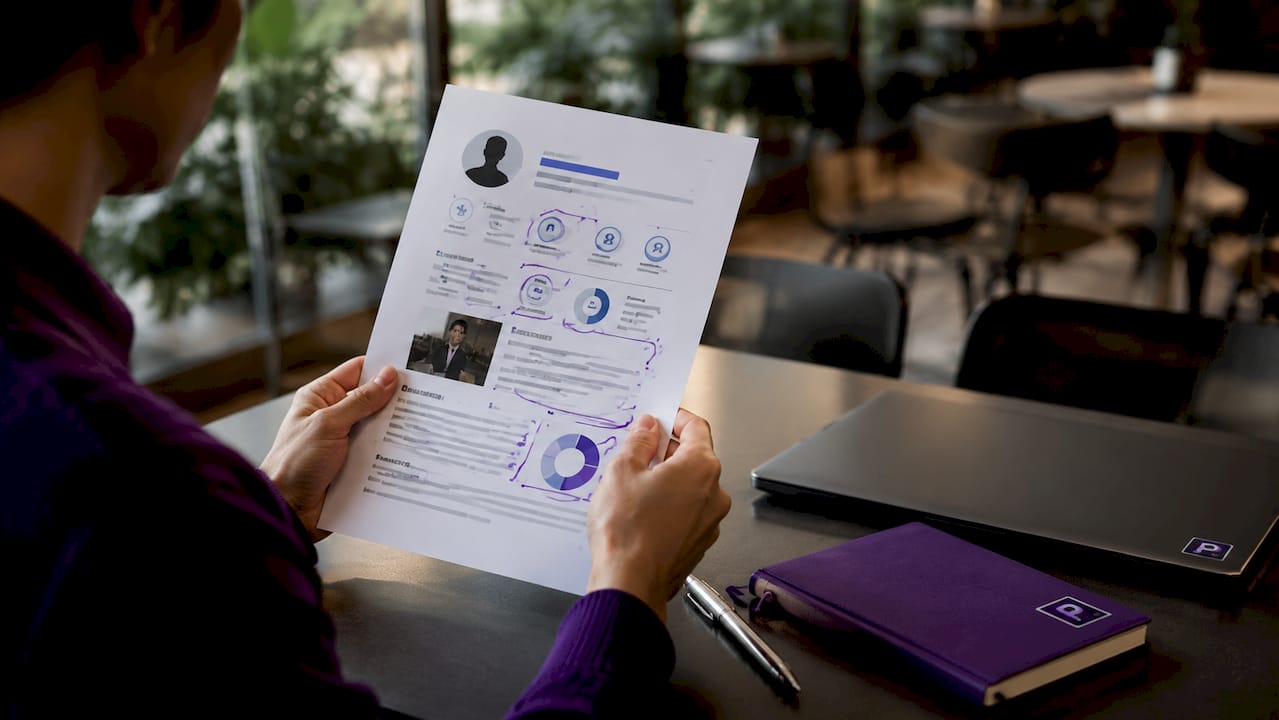
ATS extract text linearly and ignore images, colors, fonts, and layout aesthetics entirely. A colored skill bar showing "Python: 90%" registers as nothing. A LinkedIn icon next to your URL registers as nothing. A profile photo registers as nothing. The ATS sees only the raw characters it can pull from the document's text layer.
Here is where the failures compound:
- Image-based PDFs return zero text. When you export a resume from a design tool using "print to PDF," the output is often a flattened image. Image-based PDFs yield no text when parsed, meaning the ATS receives a completely blank record. No name, no skills, no job history.
- Two-column layouts merge or scramble text. ATS parsers read left to right, top to bottom. A two-column layout causes the parser to pull text from both columns simultaneously, producing garbled sentences like "Project Manager Python 2019 Led cross-functional JavaScript teams."
- Tables isolate content into dead zones. Tables and text boxes prevent proper field mapping because parsers treat them as isolated blocks. Job titles, dates, and skills stored inside a table often disappear entirely from the parsed output.
- Headers and footers are skipped. Many ATS platforms, including Workday, do not read document headers or footers. Contact information placed there simply does not transfer to the candidate profile.
- Text boxes are treated as floating objects. Content inside a text box is not part of the document's main text stream, so the parser skips it the same way it skips an image.
Pro Tip: Paste your resume text into a plain text editor like Notepad. If the result looks scrambled, incomplete, or out of order, an ATS will read it the same way.
Workday's parsing logic in 2026 illustrates this clearly. Testing across 24 resume formats showed that Canva-style two-column PDFs parse incorrectly while text-based single-column PDFs parse correctly every time. The format you choose is not a cosmetic decision. It is a functional one.
ATS-friendly resumes vs. graphic-rich resumes: what actually happens
The difference between these two resume types is not just visual. It is the difference between a complete candidate profile and a broken one.
| Feature | ATS-friendly resume | Graphic-rich resume |
|---|---|---|
| Layout | Single column, plain text | Two columns, icons, sidebars |
| Skill representation | Text list: "Python, SQL, Tableau" | Colored progress bars or icons |
| Contact info placement | Body of document | Header, footer, or sidebar |
| File export method | Word "Save As PDF" | Canva or design tool export |
| ATS parsing result | Clean, complete record | Garbled, incomplete, or empty |
| Keyword matching | Accurate | Partial or failed |
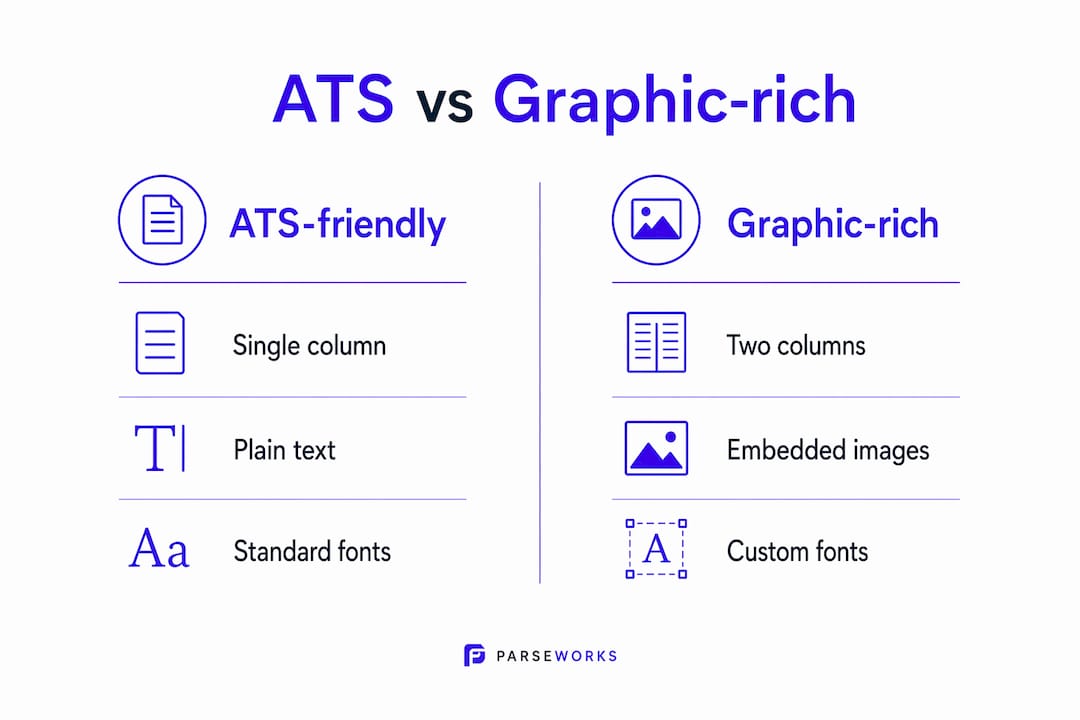
Graphic-rich resumes with icons and color bars parse poorly, causing keyword losses and garbled data in ATS records. This is not a minor inconvenience. Missing keywords directly lower your ATS score, which determines whether a recruiter ever sees your application. If the job description requires "data analysis" and your resume lists it only inside a graphic element, the ATS scores you as if you never mentioned it.
The ATS-friendly resume wins on every functional metric. It does not have to look boring to a human reader, though. The strategic move is to keep your ATS submission clean and reserve visual design for situations where a human receives the document directly, such as a portfolio email or an in-person interview.
- Use standard section headers: "Work Experience," "Education," "Skills." ATS systems are trained to recognize these labels.
- Write skills as plain text lists, not as icons or bars.
- Place all contact information in the body of the document, not in a header or footer.
- Use standard bullet points, not decorative symbols or custom icons.
- Avoid photos, logos, and any image file embedded in the document.
Common pitfalls with graphics that lead to ATS rejection
Most job seekers do not realize their resume has a graphics problem until they hear nothing back. These are the specific mistakes that cause silent failures.
Embedding text inside images. Some candidates design their name, job title, or section headers as styled graphics. To the ATS, those words do not exist. Your name may literally be missing from your own candidate record.
Using icons without text labels. A phone icon next to your number is fine visually, but if the number itself is stored as part of an image or inside a text box, the ATS cannot read it. Always pair any icon with a plain text label in the document's main text layer.
Exporting from Canva or similar design tools. Canva, Adobe InDesign, and similar platforms often produce image-heavy PDFs by default. Contact info must be in the document body for ATS to extract it reliably, and design tool exports frequently violate this by placing elements in floating layers.
Using custom fonts and decorative bullet icons. ATS systems read standard characters. A decorative bullet rendered as a special Unicode symbol or embedded font glyph may appear as a blank character or question mark in the parsed output, breaking the surrounding text.
Saving as a scanned or locked PDF. A scanned resume is an image file, full stop. No text layer exists. ATS pipelines do not decode images without OCR, which most platforms do not use, so a scanned resume produces an empty record.
Pro Tip: Run your resume through Parseworks' ATS resume checker before submitting. It flags graphic elements, formatting issues, and missing keywords in seconds.
How to optimize your resume for ATS without losing visual appeal
You do not have to choose between a resume that passes ATS and one that impresses a recruiter. You need two versions, built for two different audiences.
- Build your ATS version in Microsoft Word or Google Docs. These tools produce clean, text-layer documents by default. Single-column layout, standard fonts like Calibri or Arial, and simple bullet points are all you need.
- Remove all tables, text boxes, and graphics from the ATS version. Replace any table-based layout with plain paragraph text. Move contact information into the body of the document, not the header.
- Use standard section headers. Labels like "Work Experience," "Education," and "Skills" are recognized by virtually every ATS. Custom labels like "My Journey" or "What I Bring" confuse parsers and cause silent field drops of job titles and dates.
- Save your PDF using Word's native "Save As" function. Saving via Word's "Save As" preserves the text layer far better than "Print to PDF," which often flattens the document into an image.
- Build a separate design version for human readers. Use Canva, Adobe InDesign, or any tool you prefer for the version you email directly to a recruiter or bring to an interview. This version can include icons, color, and two-column layouts because a human is reading it, not a parser.
For guidance on ATS-friendly resume formats that balance structure with readability, the format decisions you make at the document level matter as much as the content itself.
File formats and saving tips for ATS compatibility
The file format you submit is the last line of defense against a parsing failure. Getting the content right but saving it wrong still produces a broken record.
Text-based PDFs are the preferred format for most ATS platforms in 2026. They preserve the text layer, maintain consistent formatting across operating systems, and do not rely on the receiving system having the same fonts installed. Word .docx files also parse well when formatted simply, and some ATS platforms actually prefer them because the text extraction is more direct.
- Avoid image-based PDFs. These are the single most common cause of complete parsing failure. Image-based PDFs result in failed text extraction and can trigger automatic rejection before a recruiter sees the application.
- Avoid locked or password-protected PDFs. A locked PDF prevents the parser from accessing the text layer entirely.
- Avoid .pages or .odt files. These formats are not universally supported and often produce unpredictable results across different ATS platforms.
- Test your PDF before submitting. Open the file, select all text with Ctrl+A, and paste it into Notepad. If the text is complete, ordered, and readable, the ATS will likely read it the same way.
For a deeper look at how resume formatting affects ATS compatibility across different platforms, the file type and export method are often overlooked until something goes wrong.
Key takeaways
Graphics in resumes are invisible to ATS systems, and any information stored inside an image, table, or text box is effectively missing from your candidate record.
| Point | Details |
|---|---|
| ATS ignores all graphics | Images, icons, skill bars, and photos produce zero parsed text in ATS records. |
| Image-based PDFs cause full failure | Canva exports and scanned files return empty records; use Word's "Save As PDF" instead. |
| Tables and text boxes drop fields | Job titles, dates, and skills inside tables often disappear from parsed output entirely. |
| Two resume versions are required | Keep one plain-text ATS version and one designed version for human readers. |
| Contact info belongs in the body | Headers and footers are skipped by most ATS; place all contact details in the main text. |
Why I think most resume advice gets this backwards
Most resume guides tell you to make your resume "visually stand out." That advice is not wrong for human readers. It is catastrophically wrong for ATS submissions, and the two contexts get conflated constantly.
I have seen candidates with genuinely strong backgrounds get zero responses because their resume was a beautifully designed two-column Canva template. The ATS received a garbled or empty record, scored them near zero for keyword matches, and filtered them out before any recruiter saw the application. The design was the problem, not the candidate.
The two-version workflow is the most practical solution I have come across, and it is underused. Most people resist it because it feels like extra work. It is not extra work. It is the correct tool for two different jobs. You would not send a spreadsheet to someone who asked for a presentation. The same logic applies here.
What I find most frustrating is that the stakes are high and the fix is simple. A plain Word document with standard formatting will outperform a polished Canva resume in every ATS submission. The visual version still has a place, but that place is not the ATS upload field. Knowing which resume sections ATS reads first helps you prioritize where to put your strongest content in the plain-text version.
Test your resume before you apply. Paste the PDF text into Notepad. If it looks wrong there, it looks wrong to the ATS. That thirty-second check has saved more applications than any design upgrade ever could.
— Sam
Check your resume before it costs you an interview
If you have been applying without responses, a graphics or formatting issue may be the reason. Parseworks' free ATS resume checker scans your resume for exactly these problems: graphic elements that block parsing, formatting structures that scramble text, and missing keywords that lower your score on platforms like Workday.
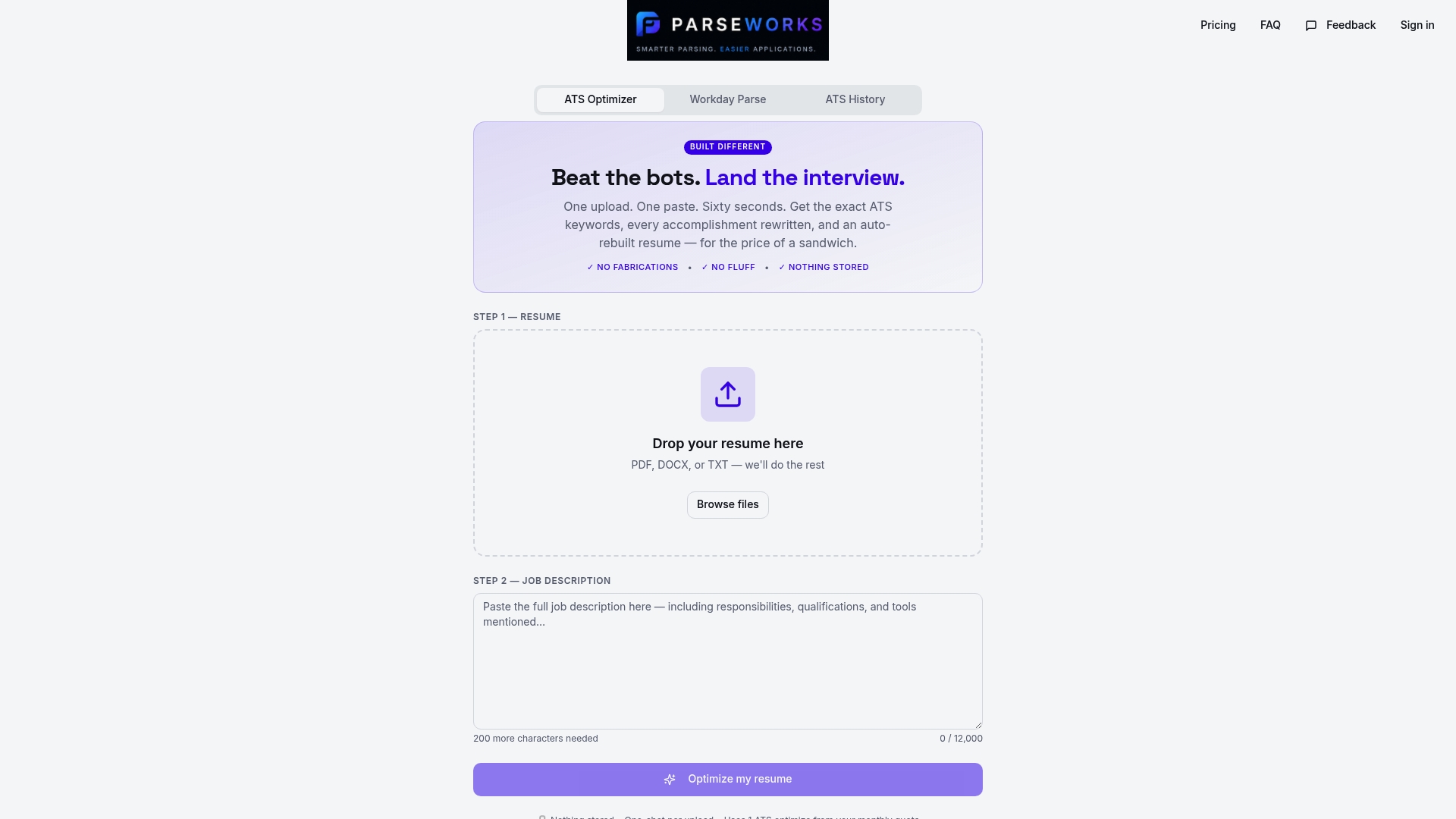
Upload your resume and get a readiness score in seconds. Parseworks flags the specific issues, explains why they matter, and shows you what to fix. No manual copy-pasting, no guessing whether your format works. Just a clear picture of what the ATS actually sees when it reads your file.
FAQ
Does ATS read images or graphics in resumes?
No. ATS systems extract raw text and do not process images, icons, or graphics. Any information stored inside a graphic element is invisible to the parser and does not contribute to keyword matching or scoring.
Why do Canva resumes fail ATS parsing?
Canva and similar design tools often export image-based PDFs, which contain no readable text layer. Workday testing in 2026 confirmed that image-based PDFs return zero fields, meaning the ATS receives a completely blank candidate record.
What file format is best for ATS submissions?
A text-based PDF saved using Word's native "Save As PDF" function is the most reliable format. Word .docx files also parse well. Avoid image-based PDFs, scanned files, locked PDFs, and .pages formats.
Can I use any graphics at all on an ATS resume?
You can use simple icons if the critical information is also present as plain text in the document body. However, the safest approach is to remove all graphics from your ATS submission version and reserve visual design for a separate version used in direct human contact.
Where should I put my contact information on a resume?
Place all contact information in the main body of the document. Most ATS platforms skip document headers and footers entirely, so contact details stored there will not appear in your candidate profile.