

You send out application after application and hear nothing back. No rejection, no interview, just silence. The most likely reason is not your qualifications. It's that an Applicant Tracking System, or ATS, filtered your resume before a human ever read it. Learning to optimize your resume for ATS is the single highest-leverage change most job seekers can make right now. This guide covers exactly what ATS software looks for, how to tailor your content and formatting, and how to verify your resume actually gets through.
Table of Contents
- Key Takeaways
- What you need to know before optimizing
- Tailoring your content and keywords
- Formatting dos and don'ts
- Verifying your ATS compatibility
- My honest take on ATS optimization
- Check your resume score before you apply
- FAQ
Key Takeaways
| Point | Details |
|---|---|
| Format for machine reading | Use a single-column layout with standard section headings and no tables, graphics, or text boxes. |
| Mirror the job description | Pull exact keywords and phrases from the posting and place them in your summary, bullets, and skills section. |
| Quantify your experience | At least 70% of your experience bullets should include measurable results, not just responsibilities. |
| Maintain two resume versions | Keep one clean ATS upload file and one visually polished version for human reviewers. |
| Validate before you submit | Use an ATS checker tool to score your resume against each job description before applying. |
What you need to know before optimizing
ATS software is not a gatekeeper designed to eliminate candidates. ATS categorizes and ranks resumes to make it easier for recruiters to find the strongest matches. Think of it less like a bouncer and more like a search engine for hiring managers. Your job is to make your resume easy to find and easy to read.
Three things drive how ATS processes your resume: parsing, keyword matching, and ranking. Parsing means the system extracts your text and organizes it into fields like job title, employer, dates, and skills. Keyword matching compares your content to the job description. Ranking scores you against other applicants based on that match.
For parsing to work correctly, your resume needs to be structured predictably. Standard section headings like "Work Experience," "Education," and "Skills" are recognized by virtually every ATS. Creative labels like "My Story" or "What I've Done" are not. Use what the system expects.
Here is what ATS-friendly resumes require at the foundation level:
- File format: Save as .docx or a text-based PDF. Scanned image PDFs are invisible to ATS parsers.
- Font: Stick to standard fonts at 10-12pt such as Arial, Calibri, or Times New Roman.
- Layout: Single column, clean margins, no headers or footers with contact info.
- Resume format: Reverse chronological order works best because ATS systems are built to read it.
| Element | ATS-friendly choice | What to avoid |
|---|---|---|
| File type | .docx, text-based PDF | Scanned image PDF |
| Layout | Single column | Multi-column, tables |
| Fonts | Arial, Calibri, Times New Roman | Decorative or custom fonts |
| Section headings | Standard labels | Creative or vague labels |
Pro Tip: Check the job application instructions. Some employers specify the exact file format they want. When in doubt, .docx is your safest bet.
Tailoring your content and keywords
Keywords are the engine of ATS ranking, but the strategy is more nuanced than copying a list of buzzwords into your resume. Keyword matching works contextually, meaning the system looks for relevant terms distributed across your resume, not just stuffed into a skills section at the bottom.
Here is a step-by-step process for building a strong keyword strategy:
- Read the job description carefully. Highlight every skill, tool, certification, and responsibility mentioned, especially terms that appear more than once. Frequency signals priority.
- Identify the exact phrasing the employer uses. If the posting says "client relationship management," do not substitute "customer success." Use the employer's words. Mirroring employer language directly improves your match rate.
- Place keywords in three core sections. Your professional summary, work experience bullets, and skills section are the highest-value real estate. Getting a keyword into all three sections is better than repeating it once.
- Include both acronyms and full terms. Different ATS platforms use different keyword dictionaries. Writing "CRM (Customer Relationship Management)" covers both variants and doubles your chances of a match.
- Write achievement-driven bullets, not job descriptions. Instead of "Managed a sales team," write "Led a 12-person sales team that exceeded quarterly revenue targets by 22% for three consecutive quarters." At least 70% of your bullets should include a measurable outcome.
Keyword stuffing, meaning a wall of unconnected terms with no context, will actually hurt you. Modern ATS platforms and the recruiters who review output are both sophisticated enough to spot it. The goal is natural integration.
Pro Tip: Paste the job description into a free word-frequency tool to instantly see which terms appear most often. Those are your highest-priority keywords.
The skills section deserves special attention here. It should not be a random dump of every tool you have ever touched. Organize it by category, for example "Project Management: Agile, Scrum, JIRA" and match those categories to what the role requires. For a deeper look at how ATS reads your work history structure, it helps to understand exactly what the parser is looking for in each field.
Formatting dos and don'ts
The most common reason a well-qualified candidate's resume fails to parse correctly is formatting. Complex layouts hide content from ATS because the parser cannot separate what is inside a table cell or text box from the surrounding structure. It either skips that content entirely or scrambles it.
Here are the formatting rules that matter most:
- Avoid tables, text boxes, columns, and any embedded graphics
- Do not put your contact information in the header or footer of the document
- Use standard bullet points (simple dots), not custom symbols or icons
- Keep your spacing clean and consistent throughout the document
Where many job seekers go wrong is trying to make one resume do everything. A beautifully designed two-column resume with a photo, color accents, and icon-based skill bars looks great as a PDF. It is nearly unreadable to an ATS. The solution is to maintain two separate versions.
Having separate ATS and design versions solves this completely. Your ATS version is a clean, unformatted .docx file that you upload to job portals. Your human-friendly version is the polished PDF you email directly to a recruiter or bring to an interview. Neither version compromises the other. For a full breakdown of which formats to avoid entirely, the guide on ATS blacklisted formats is worth reviewing.

Pro Tip: After saving your resume as a .docx, copy and paste the entire text into a plain Notepad file. If the content reads cleanly and in the right order, your ATS version is parsing correctly. If it looks scrambled, fix your layout.
One more formatting detail that gets overlooked: your file name. Name your resume something like "Jane_Smith_Marketing_Manager_Resume.docx" rather than "Resume_v3_FINAL.docx." It looks more professional and helps recruiters find your file when searching their systems.
Verifying your ATS compatibility
Writing a well-optimized resume is step one. Verifying that it actually performs well against a specific job description is step two, and most people skip it entirely.
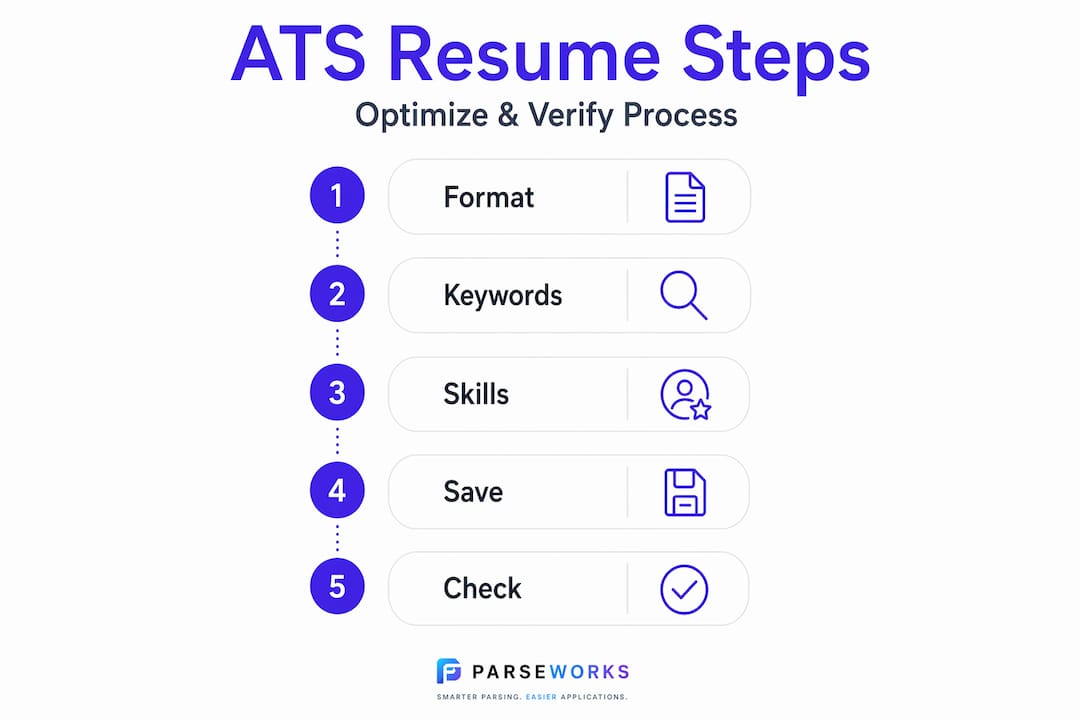
ATS resume checkers analyze your resume against a job posting and give you a compatibility score. Tools like Jobscan and ParseWorks will flag missing keywords, formatting issues, and section problems before you submit. Treating your resume as a static document that you submit the same way to every job is one of the most common mistakes in modern job searching.
Here is how to use an ATS checker effectively:
- Run your resume against the specific job description, not a generic template
- Prioritize fixing missing keywords that appear in the job posting's requirements section
- Look for parsing errors: are your dates, job titles, and employers reading correctly?
- Check that your contact information is detected as a distinct section
| Verification check | What to look for |
|---|---|
| Keyword match score | Are key terms from the job description present in your resume? |
| Parsing accuracy | Are job titles, employers, and dates extracted correctly? |
| Section detection | Are standard headings recognized by the tool? |
| File format | Does the tool read your content cleanly without scrambling? |
Resume length matters less than keyword relevance and formatting accuracy. A two-page resume with strong keyword coverage will outperform a one-page resume with weak alignment every time. What ATS scores reward is relevance, not brevity.
Tailoring your resume for each application takes time, but it does not have to take hours. Keep a master version of your resume with your full experience documented. For each application, copy that master file and adjust the professional summary, top skills, and a few key bullets to match the job posting. That targeted version is what you submit.
Pro Tip: Save each tailored version with the company name and role in the file name. It keeps your applications organized and prevents you from accidentally submitting the wrong version.
My honest take on ATS optimization
I've reviewed a lot of advice telling job seekers to treat ATS optimization as a pure keyword game. Write for the robot, get through the filter, then impress the human. That framing is incomplete, and I think it actually produces worse resumes.
What I've found is that the habits that make a resume ATS-friendly, clear structure, specific language, quantified results, are the same habits that make a resume compelling to a recruiter. Clean, simple design enhances both ATS parsing accuracy and human readability at the same time. You are not actually optimizing for two different audiences. You are just optimizing for clarity.
The candidates I have seen struggle the most are the ones who treat ATS as an obstacle to trick rather than a system to work with honestly. A resume full of keyword-stuffed bullets that do not reflect real experience might score well on a checker and then fall apart in the first 30 seconds of a recruiter's review. The goal is not to pass the ATS. The goal is to get the job.
What actually works long-term is combining a well-optimized resume with direct outreach. Personalizing contact with hiring managers alongside a strong ATS strategy consistently outperforms either approach on its own. The resume gets you in the system. The direct message gets you remembered.
Write your resume like a confident professional, not like someone trying to game an algorithm.
— Sam
Check your resume score before you apply
If you have spent time updating your resume and want to know whether it will actually perform well in ATS systems, the smartest next step is to run it through a checker before hitting submit.
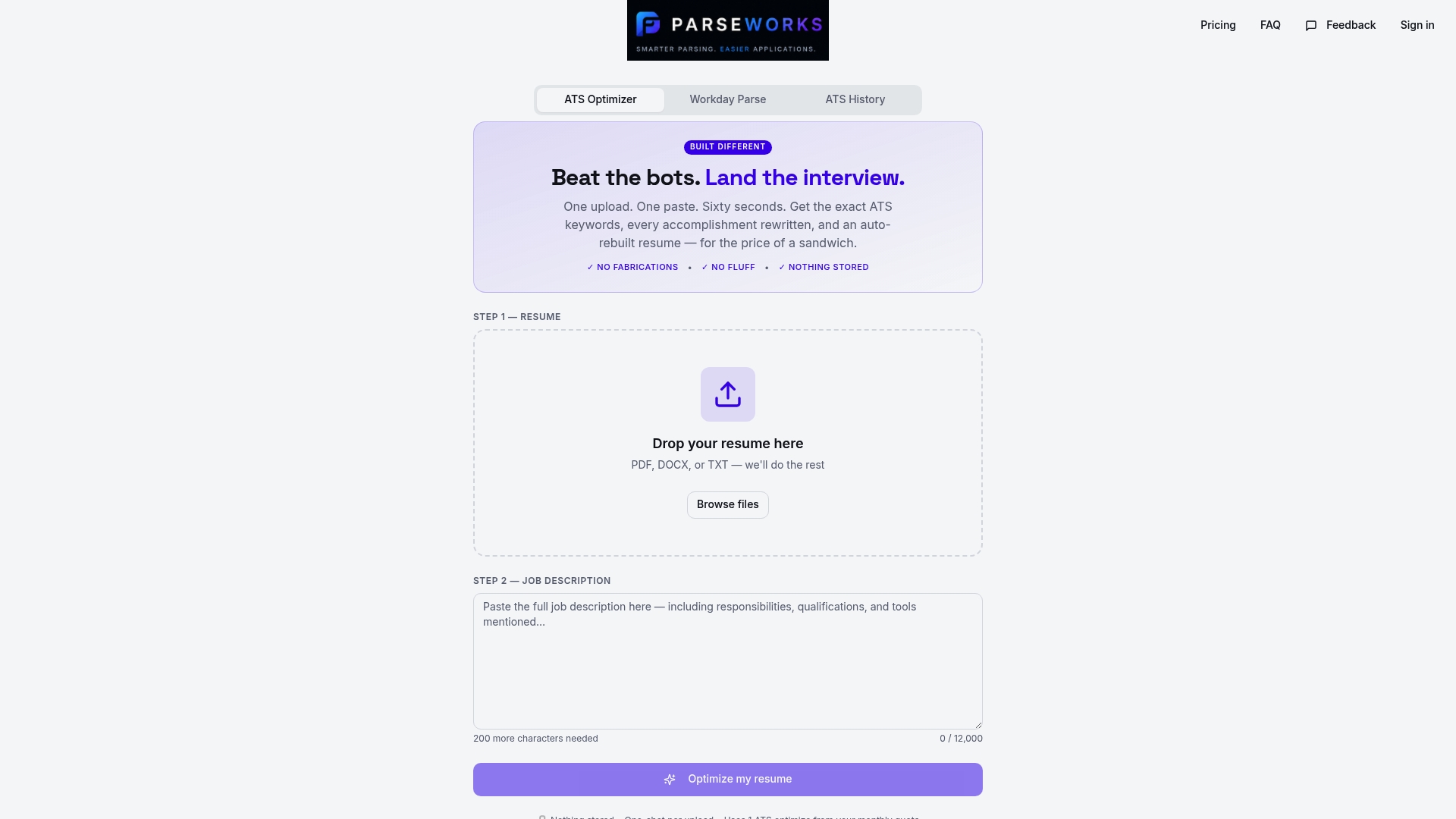
ParseWorks offers a free ATS resume checker that scores your resume against a real job description, flags missing keywords, identifies formatting issues, and shows you exactly where your resume falls short. No generic feedback. No guessing. You see your actual compatibility score alongside specific fixes.
It takes about two minutes. You get a clear picture of where your resume stands before an employer's ATS ever sees it. For anyone serious about cutting down on the silence after applying, it is the most practical tool you can use right now.
FAQ
What does it mean to optimize your resume for ATS?
ATS optimization means formatting your resume so it parses correctly and including the right keywords so it ranks well against a job description. It covers file type, layout, section headings, and keyword placement.
What resume format works best for ATS?
Reverse chronological format in a single-column layout is the most ATS-compatible structure. Avoid tables, columns, text boxes, and graphics, which cause parsing errors in most systems.
How do I find the right keywords for my resume?
Read the job description carefully and note every skill, tool, and requirement mentioned more than once. Use the employer's exact phrasing and place those terms in your professional summary, experience bullets, and skills section.
Should I use a different resume for every job?
Yes. Keep a master resume with your full experience, then create a tailored version for each application that mirrors the specific job description. The additional effort produces significantly better ATS match scores.
How do I know if my resume is ATS-friendly?
Run it through an ATS resume checker that scores your content against a real job posting. You can also paste your resume into plain text to check whether the content reads cleanly without formatting breaking the order.