

Your resume header is the single most important section of your entire application. Recruiters spend only 6 to 7 seconds initially scanning a resume, which means your header either earns attention or loses it before a recruiter reads a single bullet point. The resume header information checklist covered here gives you a systematic way to verify every element, from your full name to your LinkedIn URL, is present, formatted correctly, and readable by both humans and ATS systems. Get this section right, and everything else on your resume gets a fair chance.
1. Your resume header information checklist: the non-negotiables
The resume header is defined as the top section of your resume containing your name, contact details, and professional links. Think of it as your professional business card, compressed into two to three lines. Every item on this checklist serves a specific purpose, and leaving any of them out creates friction for recruiters and ATS platforms alike.
Here are the five elements no header should be missing:
- Full legal name: Use the name that matches your LinkedIn profile and professional accounts. Bold it and make it the largest text on the page.
- Phone number: One number only. Use a reliable cell phone with a professional voicemail greeting set up.
- Professional email address: Your email signals professionalism before you say a word. Unprofessional email addresses reduce your chances of getting an interview call. Use a format like firstname.lastname@gmail.com.
- City and state only: Skip the full street address. Limiting your location to city and state protects your privacy and keeps the header clean.
- Custom LinkedIn URL: A personalized LinkedIn link, such as linkedin.com/in/yourname, gives recruiters direct access to your full profile. It also signals that you take your professional brand seriously.
Pro Tip: Set up your LinkedIn custom URL before you finalize your resume. Go to your LinkedIn profile, click "Edit public profile and URL," and replace the default string of numbers with your name. It takes two minutes and makes your header look polished.
2. How to format your resume header for ATS and recruiter readability

Formatting is where most job seekers quietly lose points. A header can contain all the right information and still get rejected if the layout confuses an ATS parser. The primary goal of the resume header is ATS readability. Making your name prominent and your contact info parsable protects you on both fronts.
Follow these formatting rules without exception:
- Font choice: Use simple, clean fonts like Arial, Calibri, or Georgia. Decorative or script fonts cause ATS scanning errors and reduce readability for human reviewers.
- Name size: Your name should be set between 14 and 24 pt font and bolded. Every other element in the header should be smaller, typically 10 to 12 pt.
- Delimiters: Separate contact details with a pipe symbol (|) or a centered dot. This keeps the line clean and helps ATS systems identify individual data points.
- No tables or text boxes: Avoid tables, text boxes, or graphics in the header entirely. ATS platforms frequently skip or misread content placed inside these elements.
- Test your hyperlinks: Broken or non-clickable links frustrate recruiters and reduce your response rate. Always open your saved PDF and click every link before submitting.
Pro Tip: Paste your resume into a plain text editor like Notepad after saving it. If the header information appears scrambled or out of order, your formatting has ATS problems. This hidden formatting test takes 60 seconds and can save your application.
Avoiding ATS blacklisted formats is just as important as including the right content. A perfectly written header inside a two-column table is invisible to most ATS systems.
3. Optional details that add value without cluttering your header
Once your core five elements are locked in, you can consider adding optional details that strengthen your professional profile. The key word is "optional." Each addition should earn its place by being directly relevant to the job you are applying for.
Professional title or target role placed directly below your name tells recruiters immediately what you do. If you are applying for a Senior Product Manager role, writing "Senior Product Manager" under your name aligns your header with the job description from the first glance. This also helps ATS systems match your profile to the role.
Certifications near your name work well for roles where credentials carry weight. A CPA applying for a finance role or a PMP applying for a project management position benefits from placing those designations directly after their name, such as "Jane Smith, CPA." This puts the credential where it gets seen, not buried in the body.
Portfolio or GitHub links belong in the header when the job requires demonstrated work. Designers, developers, writers, and UX researchers should include a direct link to their best work. Keep the URL short and clean. If your portfolio URL is long, use a link shortener or a custom domain.
What you should never include: photos, age, marital status, or personal information of any kind. These details can trigger ATS rejection and introduce unconscious bias into the screening process. They add no professional value and take up space that your qualifications need.
4. Common resume header mistakes and how to fix them
68% of recruiters will discard a resume immediately if the contact information is unreadable due to formatting errors or typos. That number should stop you cold. Most of those discards come from avoidable mistakes.
Here are the most common errors and their fixes:
- Full street address included: Remove it. City and state is all you need. A full address wastes space, raises privacy concerns, and signals to remote-friendly employers that you may not be flexible.
- Unprofessional email address: Replace it with a clean firstname.lastname format on Gmail. If your name is common and taken, add a middle initial or a professional number like a graduation year.
- Inconsistent name across platforms: Your resume, LinkedIn, and any portfolio site should all use the same version of your name. Recruiters cross-reference these sources, and inconsistency creates doubt.
- Cluttered header with graphics or icons: Remove all decorative elements. A small envelope icon next to your email looks polished to you and looks like garbled text to an ATS.
- Mixed fonts or inconsistent sizing: Pick one font family and stick to it. Your name should be the largest element. Everything else should be uniform in size and weight.
Pro Tip: Run your resume through an ATS compatibility checker before submitting to any role. Many formatting errors are invisible in a PDF viewer but cause real parsing failures inside ATS platforms like Workday or Greenhouse.
5. Effective vs. ineffective resume headers: a side-by-side comparison
The difference between a header that works and one that fails is usually not dramatic. It is a collection of small decisions that compound into a clear signal of professionalism or carelessness.
| Element | Effective header | Ineffective header |
|---|---|---|
| Name formatting | Jordan Lee at 18 pt, bolded | jordan lee at 12 pt, no bold |
| Email address | jordan.lee@gmail.com | coolj1987@hotmail.com |
| Location | Austin, TX | 4821 Maple Street, Austin, TX 78701 |
| linkedin.com/in/jordanlee | No LinkedIn included | |
| Delimiters | Jordan Lee | (512) 555-0198 |
| Optional title | Product Manager | No title included |
| Formatting | Plain text, single column | Two-column table with icon graphics |
The effective header above takes up roughly the same space as the ineffective one. The difference is entirely in the choices made. The clean version passes ATS parsing, looks professional to a recruiter in under three seconds, and contains every piece of information needed to move the application forward.
Tailoring your header to the industry also matters. A software engineer applying to a startup should include a GitHub link. A marketing director applying to a Fortune 500 company should skip the GitHub and include a LinkedIn with a strong headline. The resume sections ATS reads first are your header and your skills section. Both need to be calibrated to the specific role.
Key takeaways
A clean, correctly formatted resume header is the single highest-leverage change you can make to improve both ATS parsing accuracy and recruiter first impressions.
| Point | Details |
|---|---|
| Five non-negotiable elements | Include full name, phone, professional email, city and state, and a custom LinkedIn URL. |
| ATS formatting rules | Use Arial or Calibri, bold your name at 14 to 24 pt, and separate details with pipes or dots. |
| Avoid disqualifying content | Never include photos, full addresses, or personal details that trigger ATS rejection or bias. |
| Test before submitting | Paste your resume into plain text to catch hidden formatting errors before they cost you an interview. |
| Optional elements earn their place | Add a professional title, certifications, or portfolio links only when directly relevant to the target role. |
What I have learned from watching resumes fail at the header
Most job seekers treat the header as an afterthought. They spend hours crafting bullet points and then slap their name and a Gmail address at the top in 30 seconds. That is backwards. The header is the first thing a recruiter sees and the first thing an ATS parses. If it fails either test, nothing else on the resume gets read.
The mistake I see most often is over-design. Candidates add colored backgrounds, icons, and two-column layouts because they want to stand out visually. The result is a header that looks impressive in a PDF viewer and reads as complete gibberish inside Workday or iCIMS. The irony is that the cleanest headers, plain text, one column, bolded name, pipe-separated contact details, consistently outperform the designed ones in real ATS environments.
The second mistake is treating the header as static. Your header should change with every application, at least slightly. If you are applying for a Director-level role, your professional title in the header should say "Director" or "Senior Manager," not "Marketing Specialist." That one word signals fit before a recruiter reads your first bullet point.
My honest recommendation: build your header last, not first. Once you know the exact role, the exact company, and the exact keywords in the job description, you can calibrate every element of your header to match. That is not gaming the system. That is understanding how hiring actually works.
— Sam
Check your header before it costs you an interview
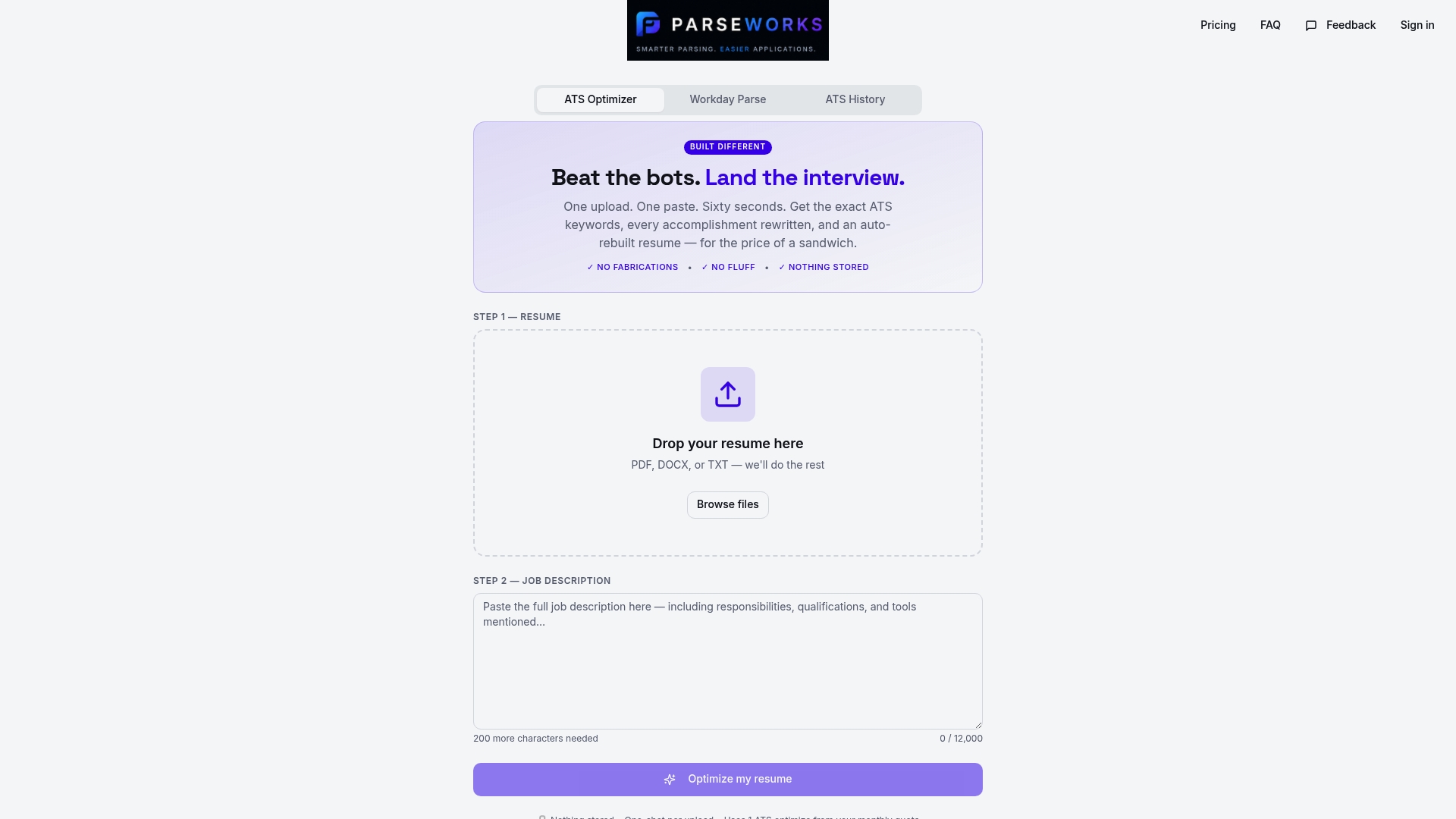
Parseworks built its free ATS resume checker specifically for moments like this. Before you submit your next application, run your resume through it. The tool scans your header for formatting errors, checks whether your contact information is parsable by ATS systems, and flags anything that could cause a rejection before a human ever sees your name. It takes under a minute and gives you a concrete readiness score. If your header has a hidden table, a broken link, or a font that confuses ATS parsers, you will know before it matters. Parseworks removes the guesswork from one of the most frustrating parts of job hunting.
FAQ
What must every resume header include?
Every resume header must include your full name, a professional phone number, a professional email address, your city and state, and a custom LinkedIn URL. These five elements cover the minimum standard for both ATS parsing and recruiter expectations.
Should I put my full address on my resume?
No. Limit your location to city and state only. A full street address adds clutter, raises privacy concerns, and is unnecessary for most hiring processes in 2026.
What font size should my name be in the header?
Your name should be set between 14 and 24 pt and bolded, making it the most visually prominent element on the page. All other contact details should be 10 to 12 pt.
Can I include a photo in my resume header?
No. Photos, along with age and marital status, can cause ATS rejection and introduce bias into the screening process. Leave them out entirely regardless of industry or location.
How do I know if my header is ATS-compatible?
Paste your resume into a plain text editor. If the header information appears scrambled or missing, your formatting has ATS problems. You can also use a dedicated tool like the Parseworks ATS resume checker to get a full compatibility score.