

The three types of ATS resume formats are chronological, hybrid, and functional. Of these, chronological and hybrid formats deliver the most reliable ATS parsing results because they preserve a clear, linear work history that automated screening systems are built to read. Functional formats, while visually organized, routinely cause ATS failures by burying dates and job titles in ways that confuse parsing algorithms. Tools like Microsoft Word, Google Docs, and ATS optimization platforms like Parseworks are the standard environments for building ATS-compliant resumes. Understanding which format fits your career situation is the single most direct way to improve your chances of getting past automated screening and into a recruiter's hands.
1. Chronological ATS resume format
The reverse-chronological format is the most ATS-friendly resume style available, and it is the default choice for the majority of job seekers. It lists your most recent position first and works backward through your career history. Both ATS software and human recruiters expect this structure, which is why reverse-chronological layouts outperform all other formats in parsing reliability.
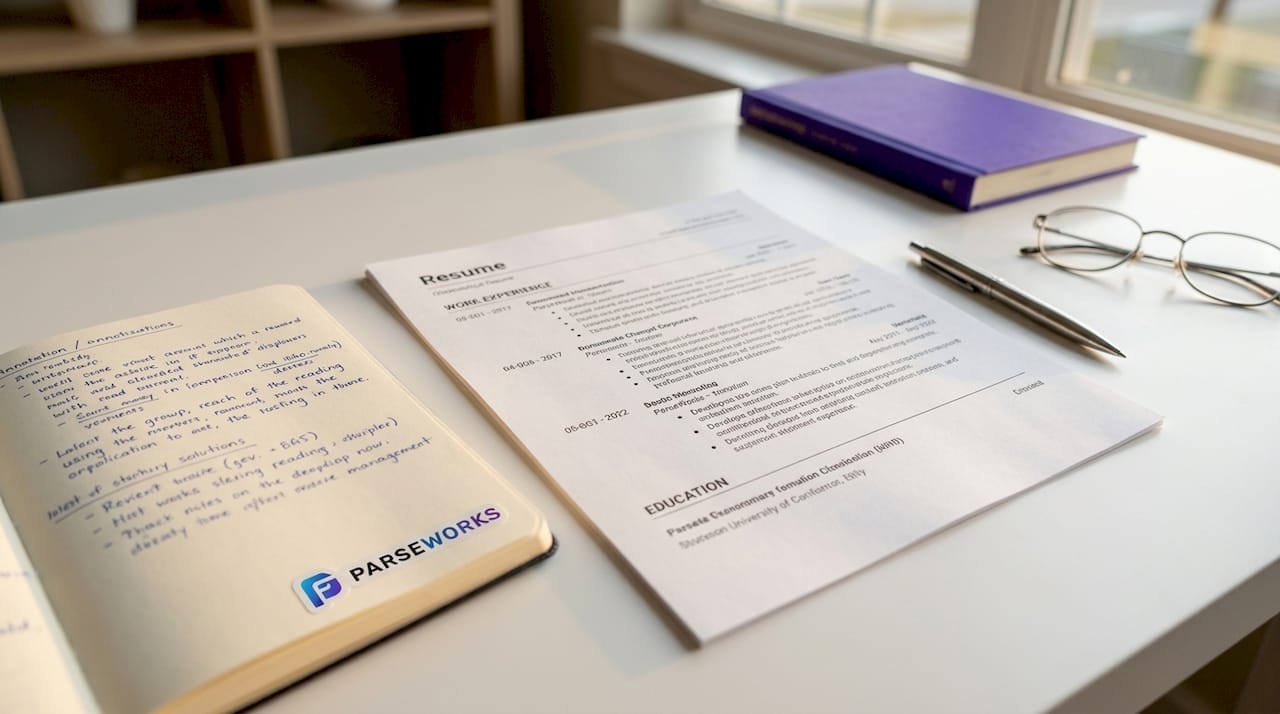
ATS systems are programmed to extract employer names, job titles, dates, and responsibilities in sequence. A chronological layout feeds that sequence exactly as expected, which means fewer parsing errors and more accurate keyword extraction. When the system can reliably map your work history, your resume scores higher before a human ever reads it.
Pros of the chronological format:
- Work history is immediately visible and easy for ATS to map
- Recruiters recognize and trust the structure
- Keywords appear in context, which improves filter accuracy
- Standard headings like "Work Experience" and "Education" align with ATS field labels
Cons of the chronological format:
- Employment gaps are visible and harder to minimize
- Less emphasis on skills for candidates changing careers
- Can feel repetitive for candidates with long, similar work histories
Pro Tip: Use standard section headings like "Work Experience," "Skills," and "Education" rather than creative alternatives like "Where I've Been" or "What I Do." Standard headings improve ATS keyword extraction and parsing accuracy significantly.
2. Hybrid (combination) ATS resume format
The hybrid format combines a skills summary section at the top with a full reverse-chronological work history below. It is the best resume format for ATS when you need to highlight specific competencies without sacrificing the structured work history that ATS systems depend on. Mid-career professionals and candidates with specialized technical skills benefit most from this structure.
ATS systems generally parse hybrid resumes well, provided the formatting stays clean. The skills section at the top gives the system an early keyword hit, and the chronological history below confirms those skills with context. That combination can actually improve your keyword match score compared to a pure chronological format.
The risk with hybrid resumes is formatting complexity. Candidates who add columns, graphics, or text boxes to make the skills section stand out will see their parsing accuracy drop sharply. Multi-column resumes reduce skills section parsing success from 65% to 46%, which means nearly half your skills disappear before a recruiter sees them.
Best practices for hybrid ATS formatting:
- Keep the skills summary as a simple bulleted list, not a table or icon grid
- Follow the skills section immediately with a clearly labeled "Work Experience" section
- Use a single-column layout throughout
- Avoid any design elements that a plain-text reader cannot interpret
Pro Tip: Place your most relevant skills from the job description in the skills summary at the top of your hybrid resume. ATS systems use both parsing and keyword filtering stages, so front-loading keywords increases your match rate before the work history section is even reached.
3. Functional ATS resume format: risks and limitations
The functional format organizes your resume by skill category rather than by job timeline. It was designed for career changers and candidates with significant employment gaps, but it is the most problematic of the three types of ATS resume formats when it comes to automated screening.
ATS software is built to extract a chronological work record. When that record is absent or buried under skill groupings, the system loses timeline and keyword context, which leads to misclassification or outright rejection in automated screening. Your skills may appear in the document, but without job titles and dates anchoring them, the ATS cannot confirm where or when you used those skills.
Common ATS failures with functional resumes include:
- Work history fields left blank or incorrectly populated
- Dates either missing or misread, breaking employment timeline logic
- Skills attributed to no specific employer, reducing keyword relevance scores
- Entire sections skipped because the ATS cannot identify standard field labels
If you are a career changer or have a gap you need to address, consider a hybrid format instead. You can lead with a strong skills summary while still providing the chronological history the ATS needs. If a functional format is truly necessary, at minimum include a brief chronological list of employers, titles, and dates at the bottom of the document to give the ATS something to parse.
4. Side-by-side comparison of ATS resume formats
Choosing between these formats is easier when you see the differences in one place. The table below compares all three on the factors that matter most for ATS compatibility.
| Format | ATS parsing reliability | Ideal candidate | Key formatting risk |
|---|---|---|---|
| Chronological | Highest | Most job seekers with consistent work history | Employment gaps are visible |
| Hybrid | High (if formatted correctly) | Mid-career, skills-heavy, or technical candidates | Columns or tables break parsing |
| Functional | Low | Career changers, significant gap situations | Work history context is lost |
The chronological format wins on raw ATS compatibility for most candidates. The hybrid format is the better choice when you need to surface specific skills prominently without sacrificing structure. The functional format is a last resort, and even then it requires a chronological section to avoid ATS parsing failures.
5. Practical formatting tips for any ATS resume
Regardless of which format you choose, the technical execution determines whether your resume clears the ATS. These rules apply to all three ATS-friendly resume styles.
-
Use standard fonts. Arial, Calibri, and Times New Roman are the safest choices. Decorative fonts are often rendered as symbols or skipped entirely by parsing engines.
-
Avoid tables, text boxes, and columns. Overly designed templates score as low as 18% parsing accuracy in real ATS tests. Canva templates are a common offender. What looks polished on screen becomes unreadable data inside an ATS.
-
Use standard section headings. "Work Experience," "Education," "Skills," and "Certifications" are the labels ATS systems are programmed to recognize. Creative alternatives confuse field mapping.
-
Save as .docx or a plain-text PDF. DOCX is the safest file format for ATS compatibility. Some systems accept text-based PDFs, but image-based PDFs are completely unreadable to most ATS platforms.
-
Format dates consistently. Use MM/YYYY throughout your work history. Inconsistent date formats cause ATS software to misread your employment timeline, which can make your experience appear shorter than it is.
-
Keep headers and footers empty. Contact information placed in the document header is frequently skipped by ATS parsers. Put your name, phone number, and email in the main body of the document.
-
Match keywords from the job description. Incorporate the exact phrases used in the posting. ATS keyword filters look for precise matches, not synonyms. Review the ATS optimization guide from Parseworks for a structured approach to keyword placement.
-
Limit length to one or two pages. For most candidates with under ten years of experience, one page is sufficient. For senior professionals, two pages is the ceiling. The right resume length affects both ATS processing and recruiter attention.
-
Validate before you submit. Run your resume through an ATS checker to catch formatting errors you cannot see. Parseworks flags parsing issues, keyword gaps, and structural problems before they cost you an interview.
Pro Tip: Design your resume for the strictest ATS you might encounter. Single-column formatting with consistent date styles and standard headings maximizes acceptance across all ATS variations, including systems you cannot identify in advance.
Key takeaways
Chronological and hybrid formats are the most reliable ATS resume formats because they preserve the structured work history that parsing systems require to accurately extract and score your application.
| Point | Details |
|---|---|
| Chronological is the safest default | It gives ATS systems the linear work history they are built to read. |
| Hybrid works when formatted cleanly | A single-column hybrid with a skills summary and full work history scores well in most ATS platforms. |
| Functional formats carry real risk | Burying dates and job titles causes ATS to lose keyword context and reject resumes automatically. |
| Technical formatting matters as much as content | Fonts, file type, date format, and section headings all affect parsing accuracy before a recruiter reads a word. |
| Test before you submit | Running your resume through an ATS checker catches invisible errors that cost you interviews. |
Why I think most job seekers are solving the wrong problem
After reviewing hundreds of resumes and watching candidates get screened out before a human ever read their application, the pattern is consistent. Most people spend their energy on content and almost none on structure. They write strong bullet points, quantify their achievements, and then submit a two-column Canva template that an ATS reads as a blank page.
The format question is not a minor technical detail. It is the first filter your resume hits, and it is entirely within your control. A well-written resume in a broken format loses to a mediocre resume in a clean format every time, at the ATS stage.
My honest recommendation is this: start with reverse-chronological for any standard job application. If you are a technical candidate who needs to surface specific skills prominently, move to a hybrid format but strip out every design element that is not plain text. Avoid functional formats unless your situation genuinely requires one, and even then, add a chronological employer list at the bottom.
The other thing I see candidates overlook is the ATS blacklist of format features. Columns, icons, progress bars, and embedded graphics are not just unhelpful. They actively destroy parsing accuracy. Knowing what to remove is as important as knowing what to include.
Test your resume before every application cycle. The format that worked six months ago may not work on a new ATS platform. Treat it as a living document, not a finished product.
— Sam
See exactly how your resume scores before you apply
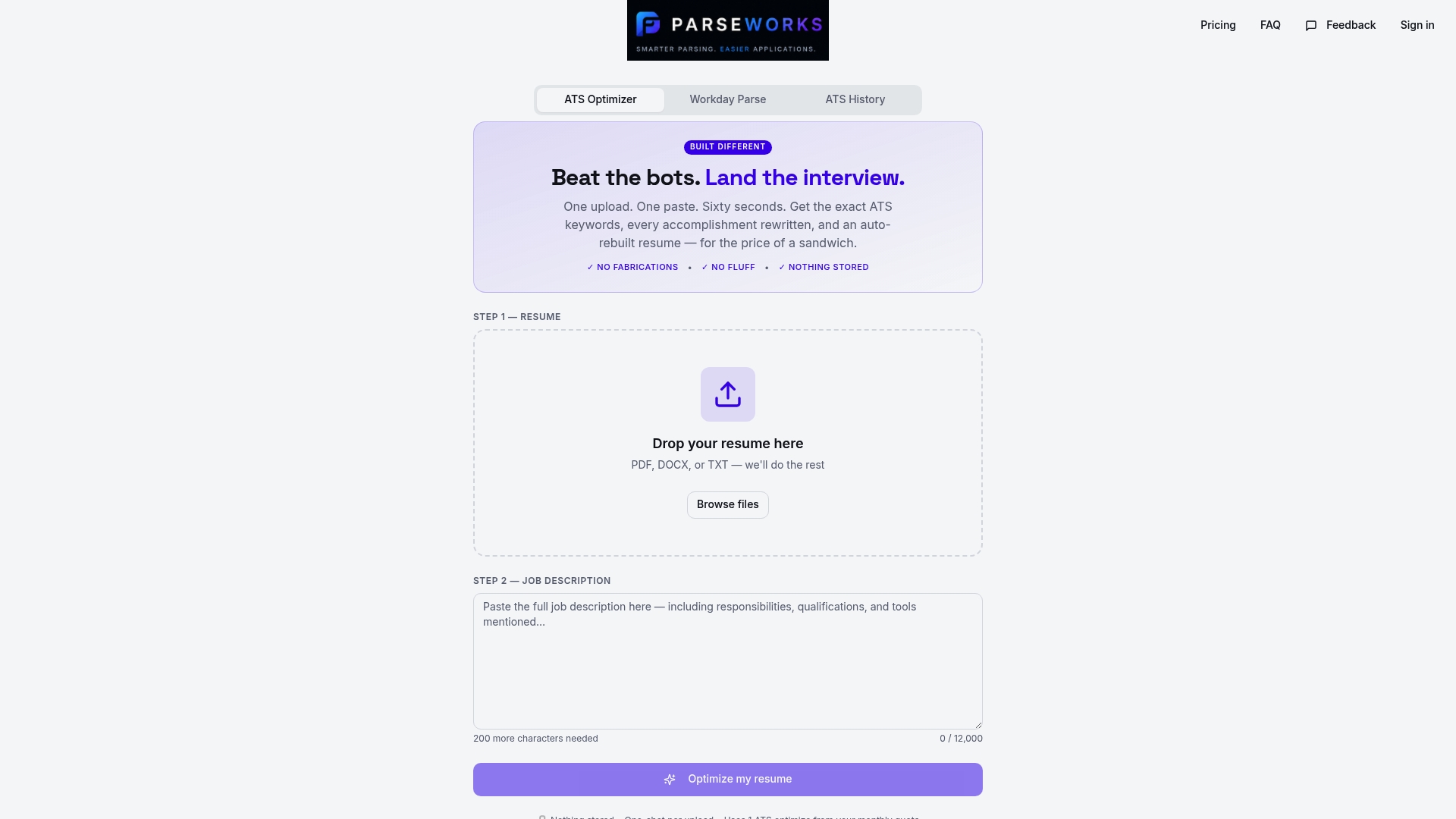
Parseworks gives you a clear picture of how your resume performs inside an ATS before you hit submit. The free ATS resume checker scores your resume for formatting errors, keyword gaps, and structural issues that most candidates never see. You get specific fixes, not vague suggestions. Whether you are using a chronological, hybrid, or functional format, Parseworks shows you exactly where your resume is losing points and what to change. It takes less than two minutes and removes the guesswork from one of the most frustrating parts of the job search.
FAQ
What is the best resume format for ATS systems?
The reverse-chronological format is the most ATS-compatible choice for most job seekers because it presents work history in the linear sequence that ATS parsing engines are designed to read. Hybrid formats are a strong alternative for candidates who need to highlight specific skills alongside their work history.
Why do functional resumes fail ATS screening?
Functional resumes organize content by skill category rather than by date, which causes ATS systems to lose the employment timeline and keyword context they need to score your application accurately. This leads to misclassified fields and higher rejection rates in automated screening.
Does file format affect ATS parsing?
Yes. DOCX is the safest file format for ATS compatibility, while image-based PDFs are unreadable to most parsing systems. Some ATS platforms accept text-based PDFs, but DOCX remains the most universally compatible option.
How do columns and graphics affect ATS scores?
Multi-column layouts reduce skills section parsing success from 65% to 46%, and heavily designed templates can score as low as 18% parsing accuracy in real ATS tests. Plain, single-column formatting is the standard for ATS-compliant resume examples.
How can I tell if my resume is ATS-friendly?
Run it through an ATS checker like the one offered by Parseworks, which scores your resume for formatting errors, keyword matches, and structural issues. Testing before submission is the only reliable way to confirm your resume will parse correctly across different ATS platforms.